
Customize Your AI Golf Coach's Voice
In today’s digital age, personalization is key to enhancing your learning experience. At GOATCode.ai, we are excited to introduce a new feature that allows you to customize the voice of your AI golf coach, Goatey. This addition is designed to make your practice sessions more engaging and tailored to your preferences.
Changing Goatey's Voice
To start customizing, simply navigate to your profile on the platform. You will find a selection of different voice options that you can experiment with. For instance, if you prefer a female British accent, you can choose 'Emma'. After selecting your preferred voice, don't forget to save your settings. This will ensure that every time you engage in live lessons, Goatey will use the voice you have chosen, enhancing your overall experience.
Enhanced Interaction During Live Lessons
Another fantastic feature we’ve implemented is the ability to control the screen during your live lessons using simple voice commands. Now, instead of manually closing the screen or navigating away, you can just say “close” or “next rep” and Goatey will automatically handle it for you. This streamlined interaction not only makes your lessons smoother but also allows you to focus more on your swing rather than the technicalities of the interface.
Key Takeaways
- Customize Goatey's voice for a personalized learning experience.
- Choose from various voice options, including accents and styles.
- Use voice commands to control the screen during live lessons.
See What GOATY Finds in Your Swing
Upload a swing video and get your GOATScore, root cause diagnosis, and personalized drill prescription in 60 seconds.
Analyze My Swing Freeor
Try a Free Live LessonRelated Articles
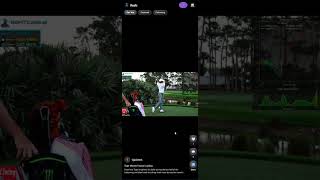
Learn Golf Swings with GOATY's New Reels Feature
Discover GOATY's Instagram-style feed for golf swings. Join the community and improve your golf game with targeted conte
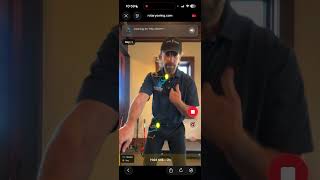
Stop Swaying Off the Golf Ball with Instant Feedback
Learn how to eliminate swaying in your golf swing using AI feedback from GOATY's Sternum Tracer.
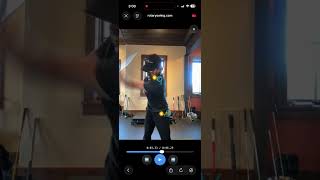
Unlock Your Swing with AI Golf Coaching from GOATCode.ai
Experience real-time analysis and coaching to enhance your golf swing using AI technology from GOATCode.ai.